


Exporting link analytics data
To export data from your link analytics, follow these steps:1
Go to the analytics page
Go to your Dub dashboard, and click Analytics from the Insights group of the workspace you want to export data from.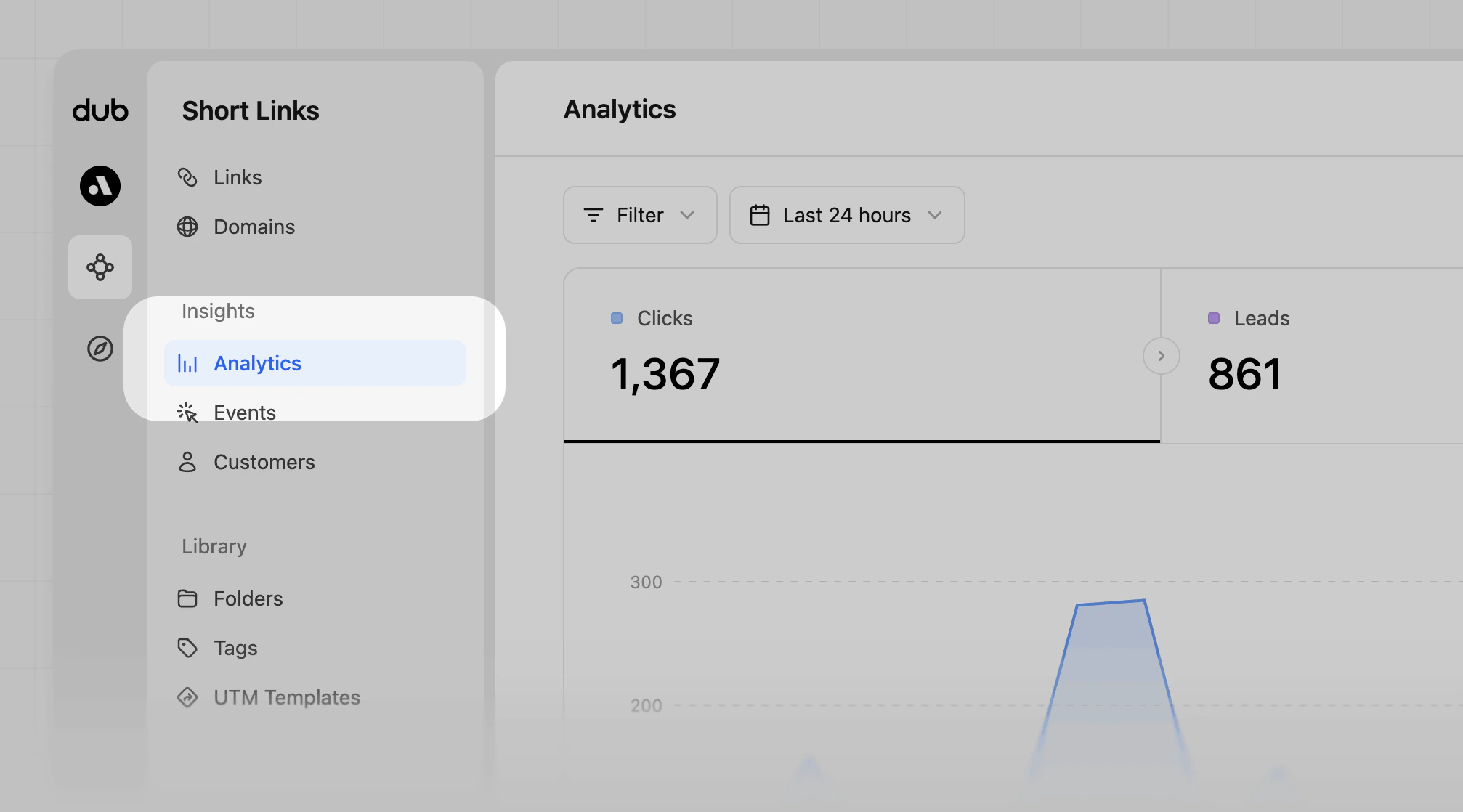
2
Download the data
Click on the 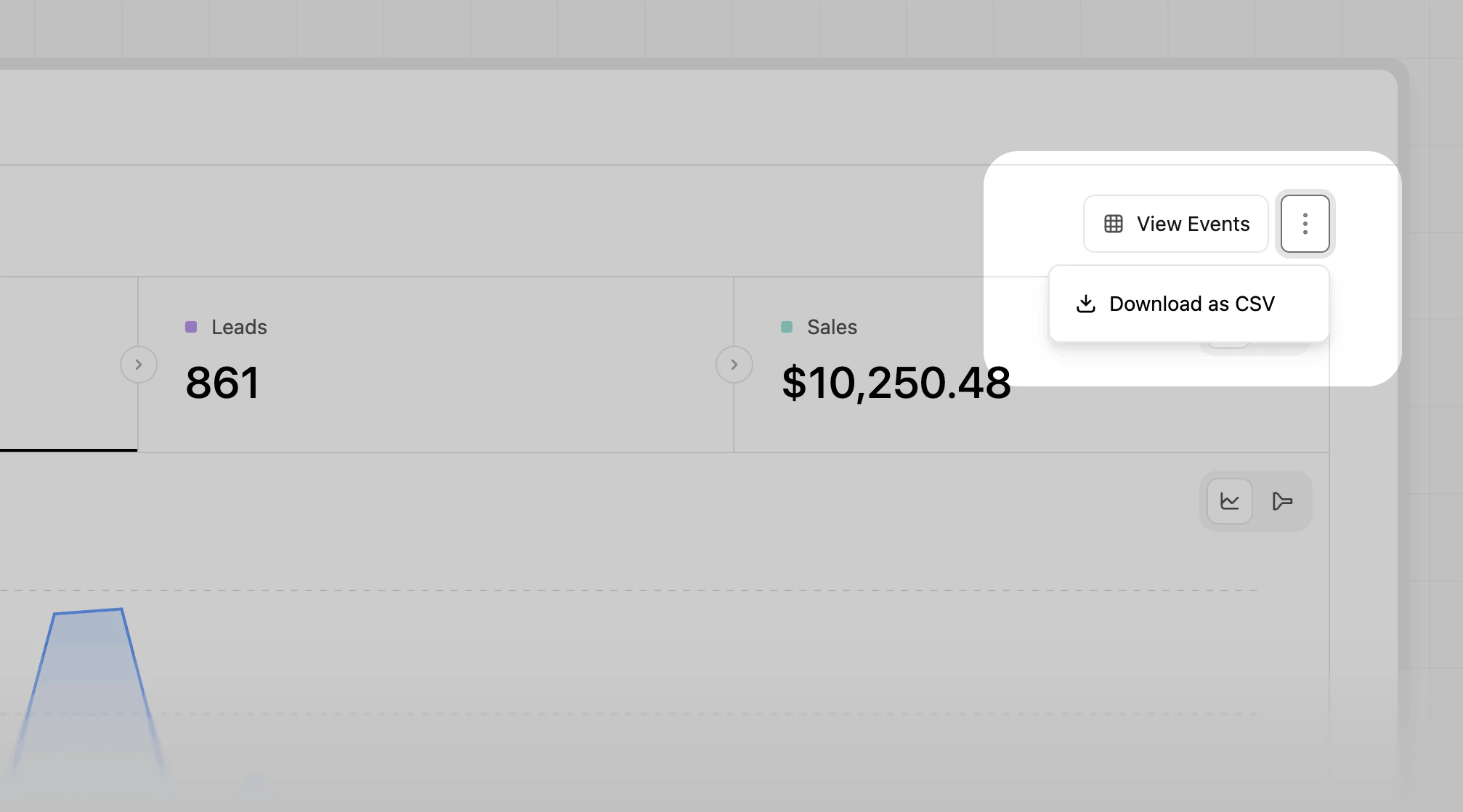

⋮ button in the top right corner to open up the more options dropdown menuClick on the Download as CSV option.countries.csv, devices.csv, etc…).