Before you can filter analytics by folders, you need to create a folder and add links to it. Then, as your links start accruing clicks, you will be able to filter your analytics by folders.
1
Open Analytics filter dropdown
In the Analytics tab of your Dub workspace, click on the Filter button to open the filter dropdown: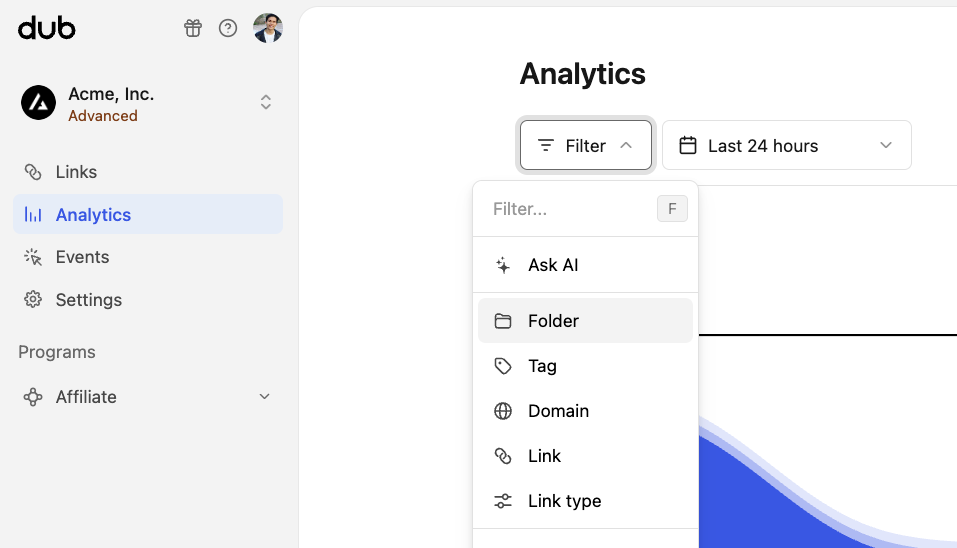
2
Select the 'Folder' filter option
Select the Folder option in the dropdown to open the folder filter: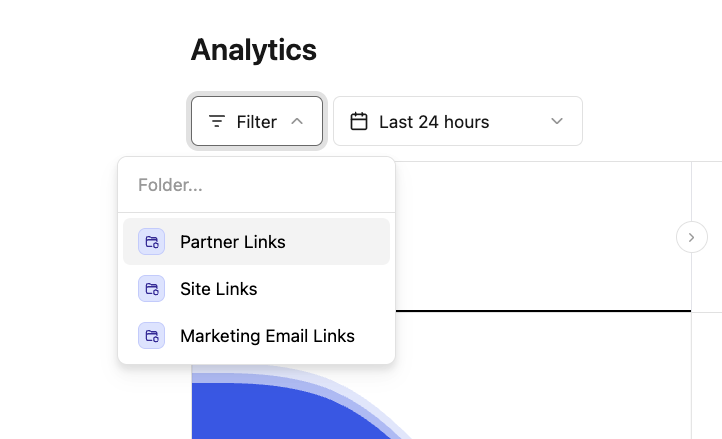
3
Click on the folder you want to filter by
Finally, click on the folder you want to filter by: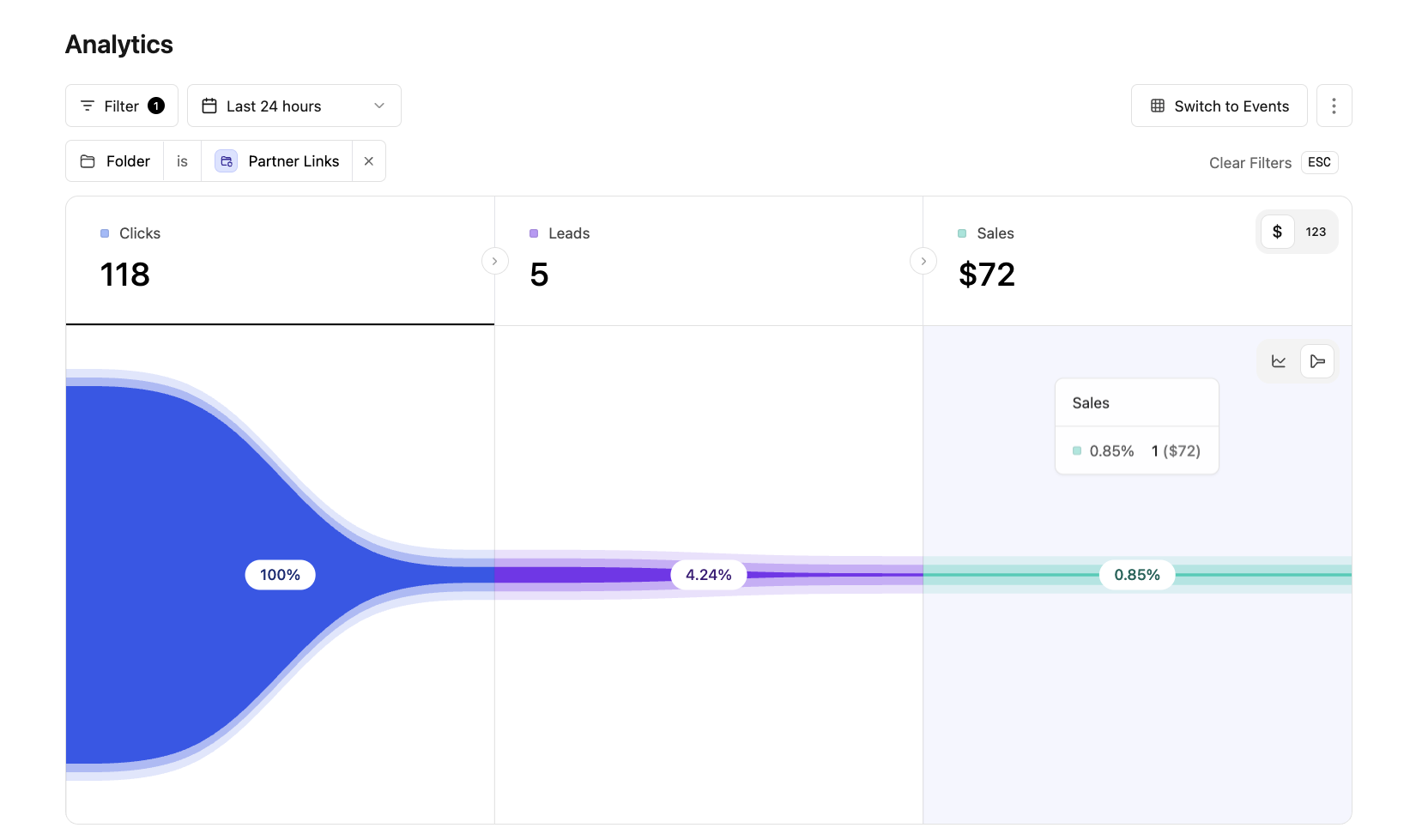
Viewing filtered analytics for a folder directly
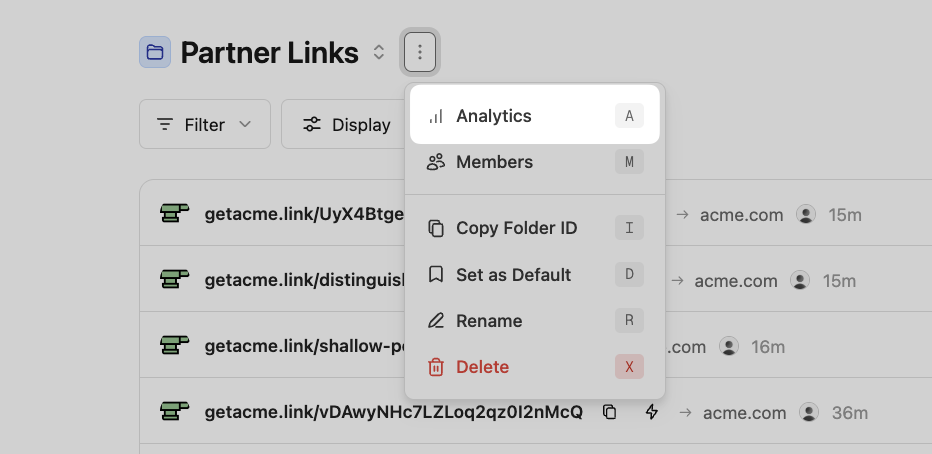
Alternatively, you can also view the filtered analytics for a folder directly, simply by opening the⋮ dropdown next to the folder in your links dashboard and select the “Analytics” option:
Viewing folder analytics shortcut