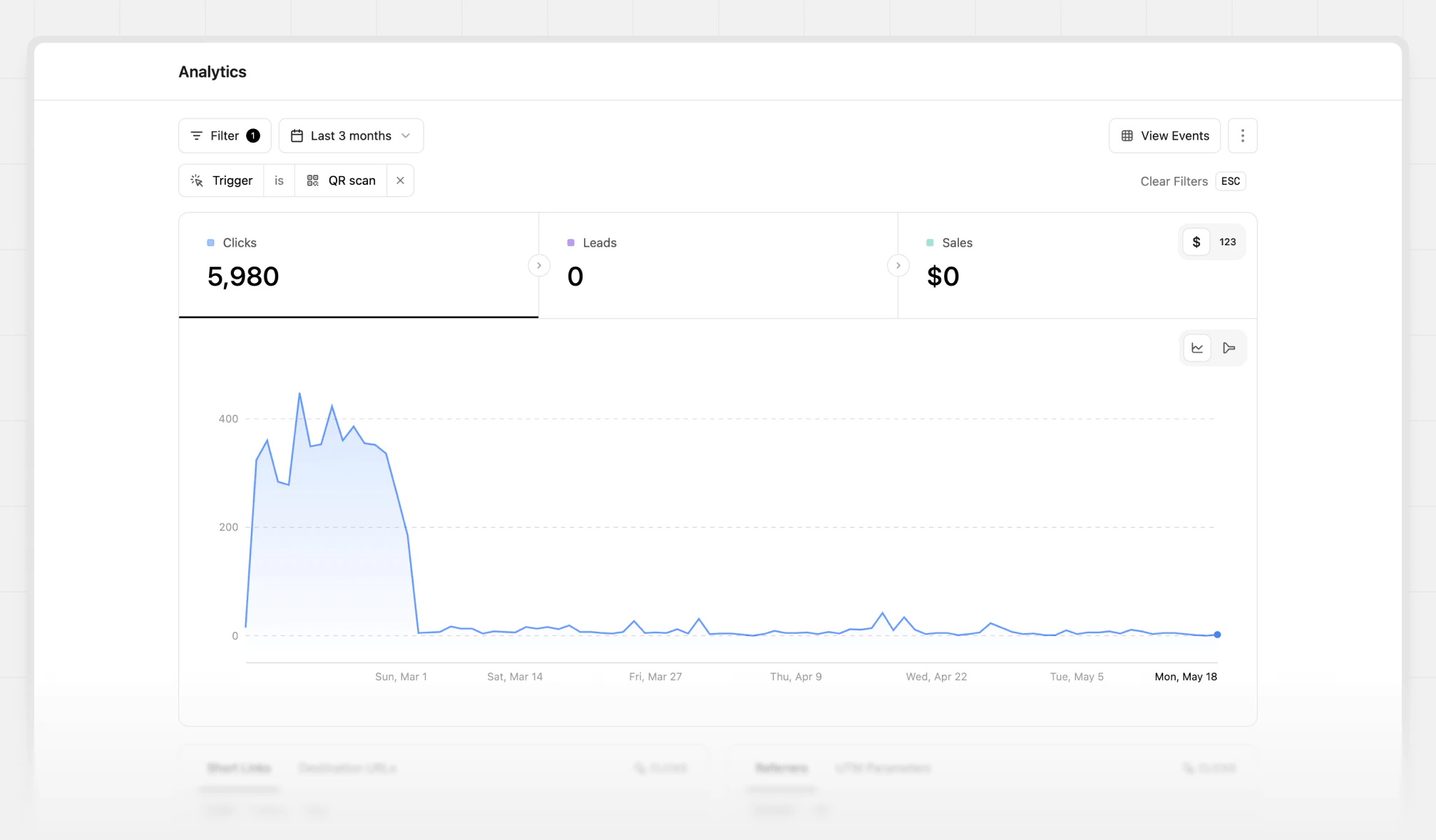
1
Go to your Analytics dashboard
Click on the Analytics page in the Insights group of your workspace short links.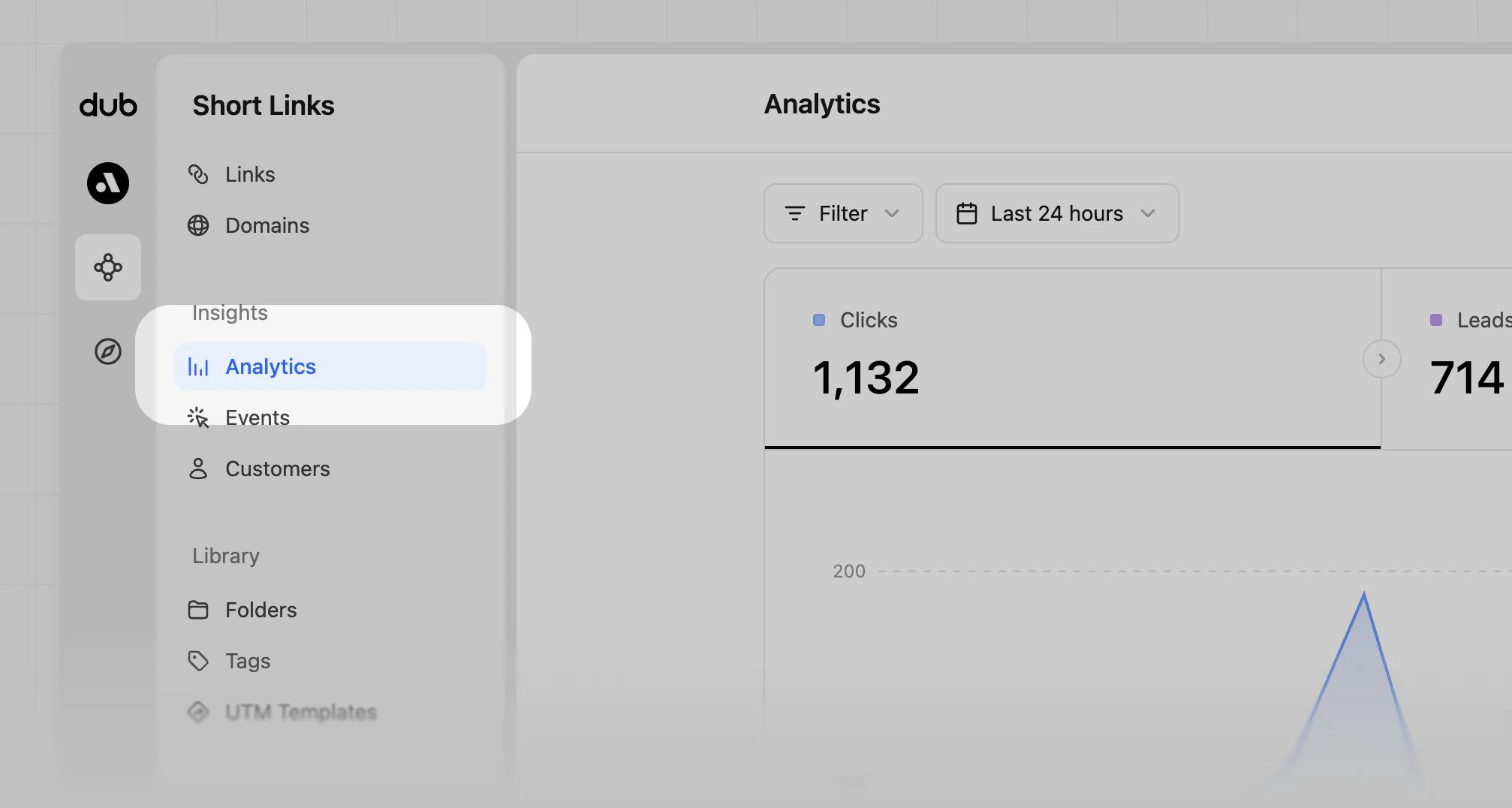
2
Open Analytics filter dropdown
Then, click on the Filter button to open the filter dropdown: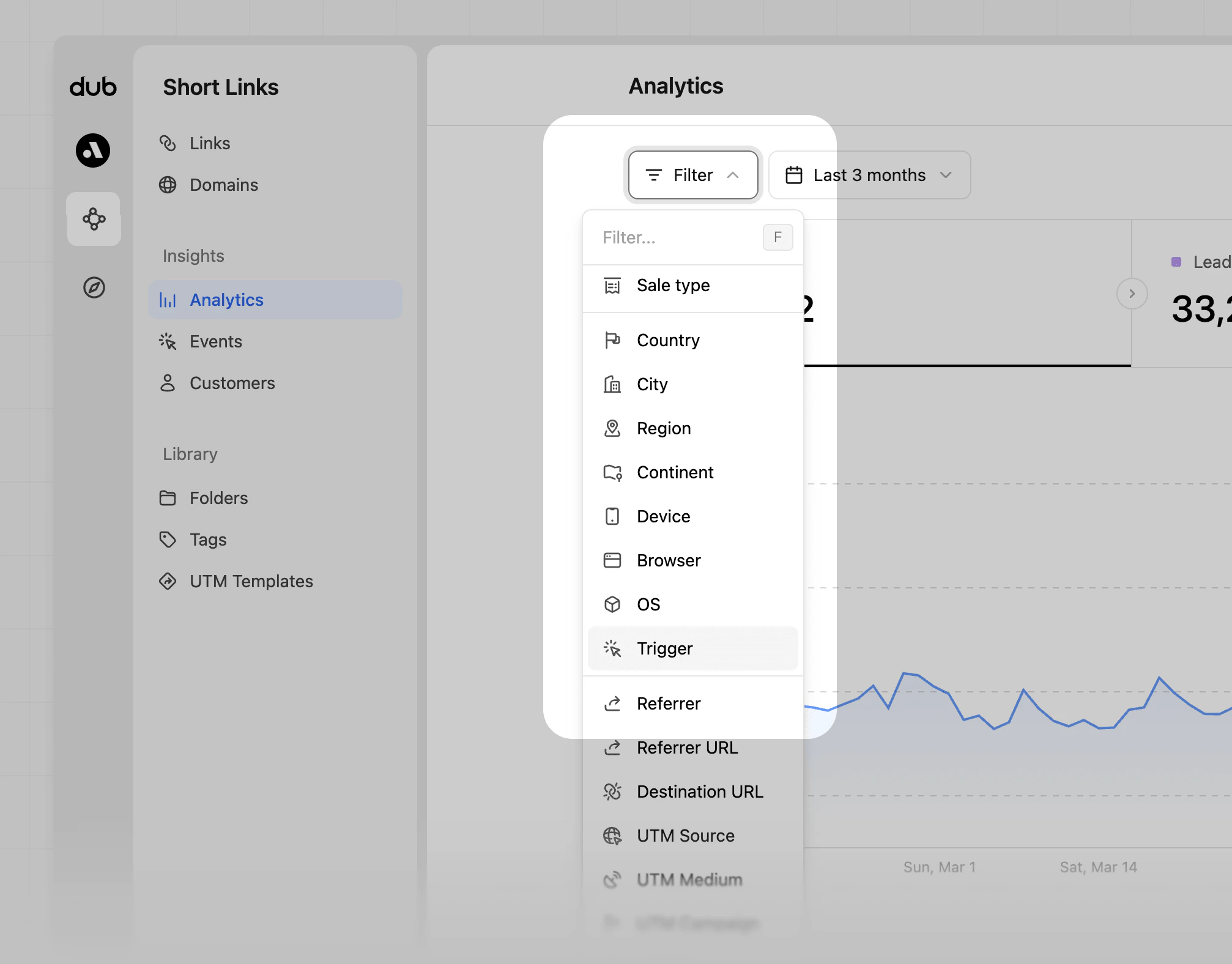
3
Select the 'Trigger' filter option
Click on Trigger to show available data options. If there are no results, filters won’t appear.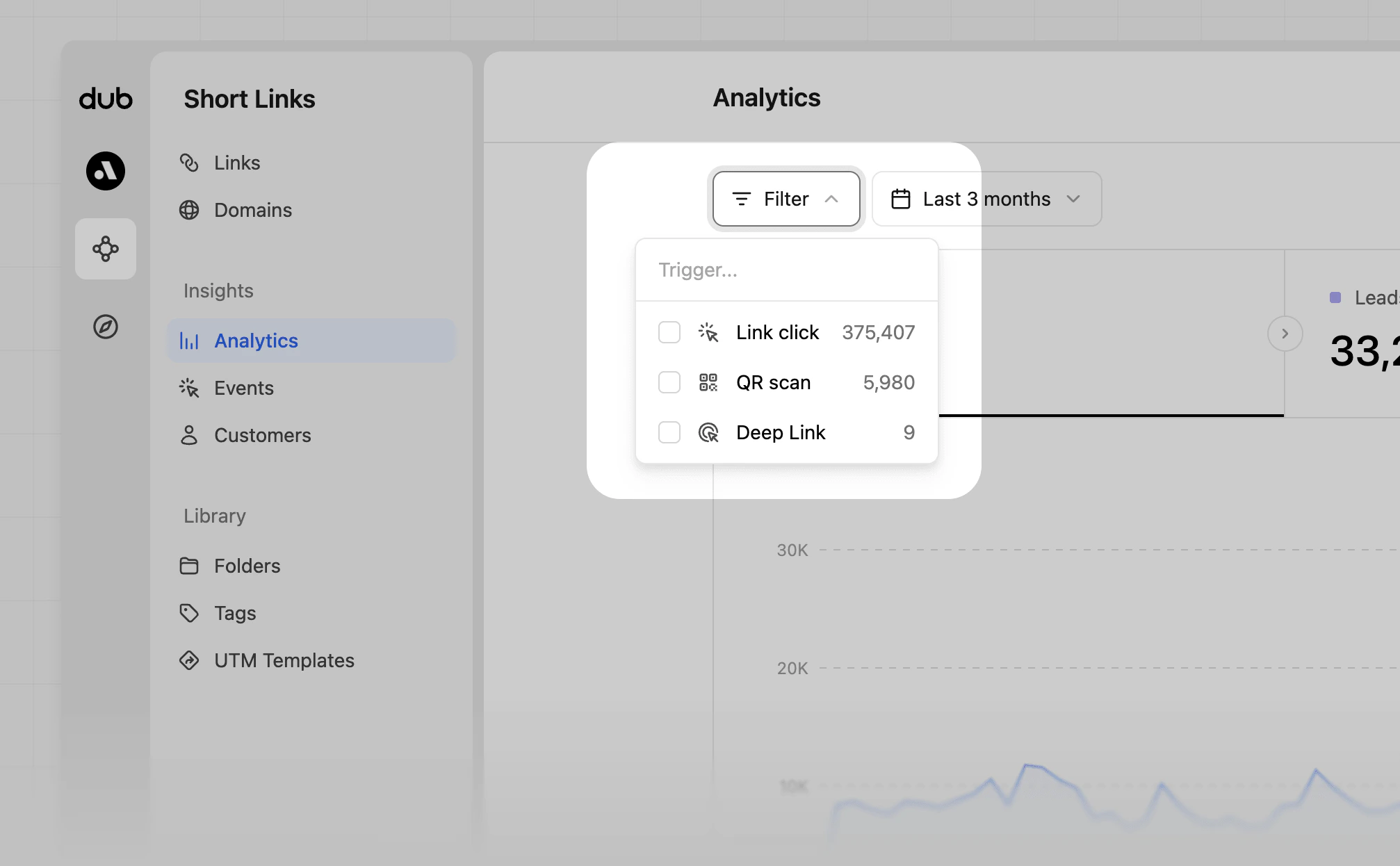
4
Choose to filter by Link click or QR Scan
Lastly, click on the Link click, QR Scan, or Deep Link option to filter your data.